平滑顶点
参考
- 模式:
编辑模式
- 菜单:
,
Moves the selected vertices so that the surface around them becomes more smooth and rounded.
The following options are available in the 调整上一步操作 panel:
- 平滑
平滑系数。
- 重复
平滑迭代次数。
- 轴向
将效果限制在特定轴向上。
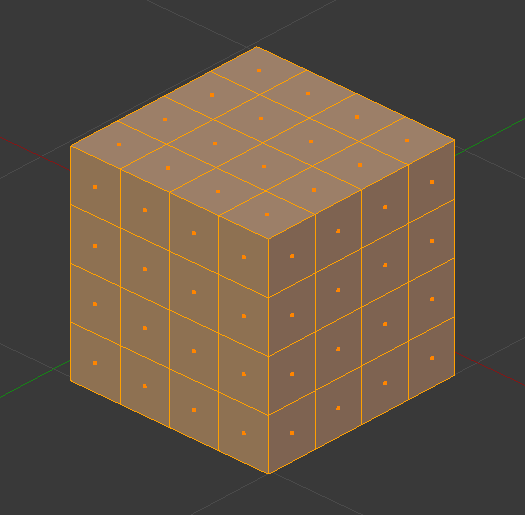
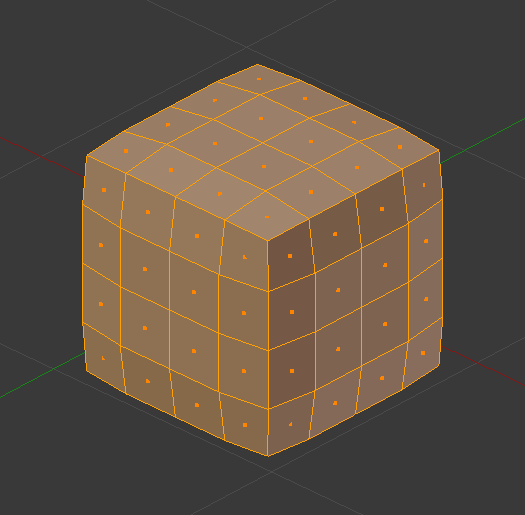
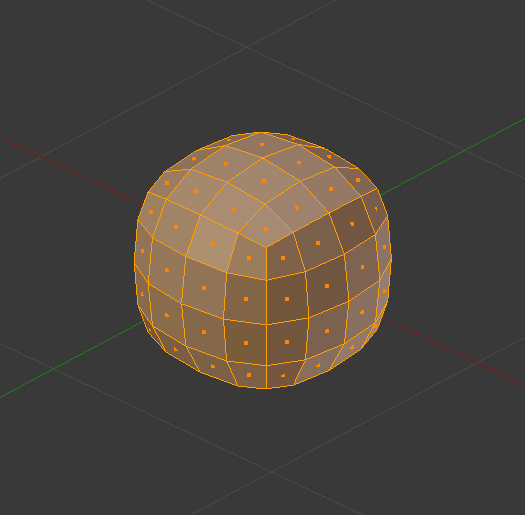
Tip
If the mesh has insufficient geometry density and would still look blocky after smoothing, you can subdivide it first.
Alternatively, use the 表面细分修改器 to subdivide and smooth the mesh in one go. This uses a more complex smoothing algorithm, however, so the result won't be quite the same.
See also
The 平滑修改器 performs this operation non-destructively.
Note
The Smooth Faces operator sounds similar to this one but is unrelated. It's called Shade Smooth in other parts of the UI and merely changes the vertex normals to make the mesh appear more smooth. It doesn't smooth out vertex positions like Smooth Vertices does.