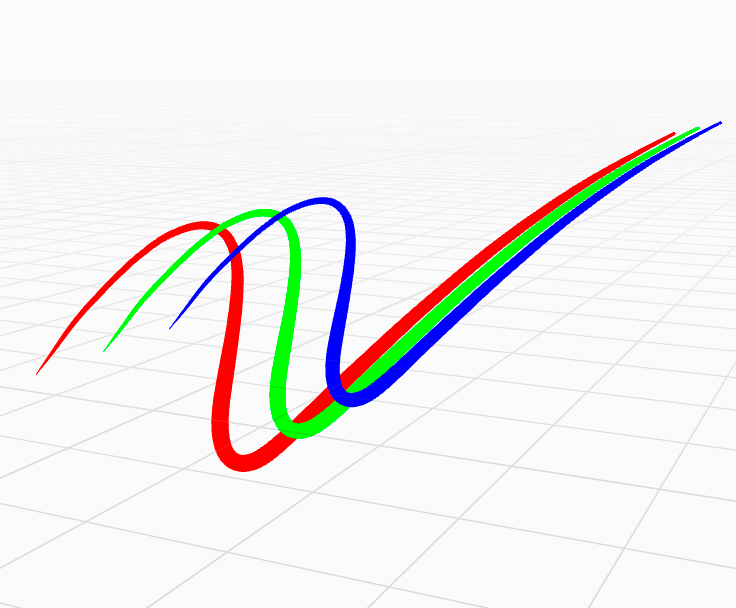
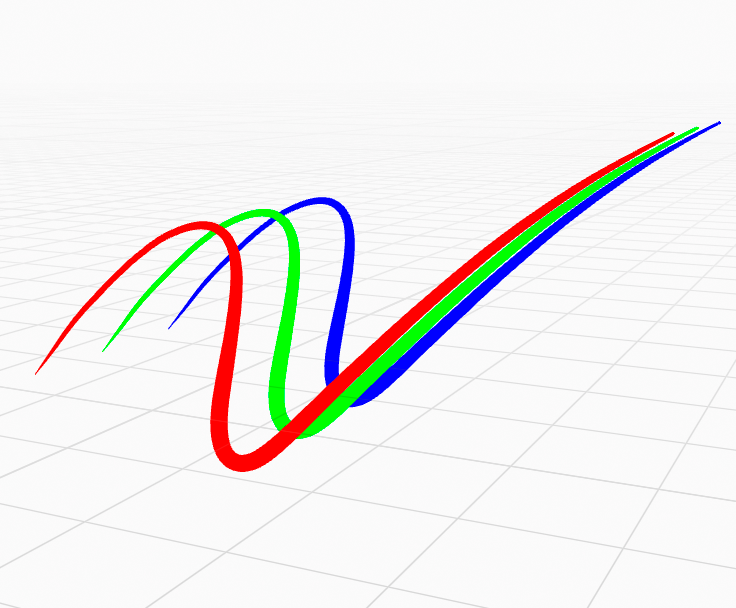
设置
蜡笔笔画的常规设置。
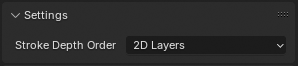
设置面板。
- 笔画深度排序
定义如何在 3D 空间中排列笔画(对于未显示 在前面 的对象)。
- 2D 图层:
笔画绘制顺序遵循 2D 图层列表的顺序(从上到下),并忽略 3D 空间中笔画的实际位置。可查看 2D 图层 获得更多的信息。
Note
This setting also affects how different Grease Pencil objects are composited together in the scene. For objects that use 2D layer ordering, their depth in the scene is based on the midpoint of the bounding box. This midpoint defines a plane facing the camera which is the depth that object will be rendered at.
Tip
使用 2D 排序时,请尽量保持蜡笔物体基本平坦,以确保其深度合成正确!
- 3D 位置:
笔画绘制顺序基于 3D 空间中的笔画位置。